
Female · Original Character · Villain
Samantha
Public Original Character profile observed on 19 October 2026.
Independent United States briefing · reviewed 19 October 2026
Hammer AI combines a desktop client that can run local language models with hosted web, mobile and creative services. The useful question is not whether the whole product is “local”, but which route is processing a particular chat, image or voice request.
Independent guide. Commercial buttons and interface images open a separate third-party service, not Hammer AI.
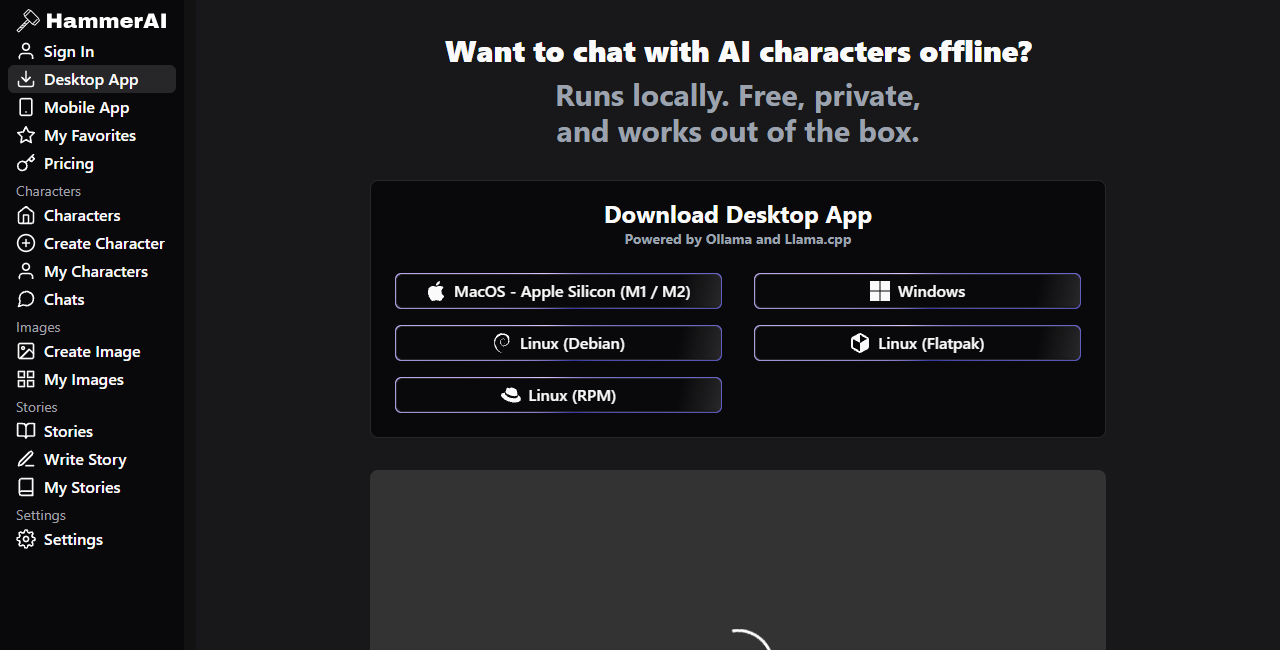
Hammer AI is an AI character-chat and creative-writing interface with local and cloud routes. For the strongest privacy boundary, install the desktop client, select a local model and confirm that chat still works while the computer is offline. Web chat, mobile access, cloud models, image generation and speech can involve servers, accounts, subscriptions or external AI providers, so “local-first” is not a promise that every feature stays on your device.[1][2][3]
These fifteen original-character profiles were selected from Hammer AI’s public OC catalogue. They are shown here as dated examples of the variety in the public browser, not as a promise that every profile will remain available.
Public Original Character profile observed on 19 October 2026.

Public Original Character profile observed on 19 October 2026.

Public Original Character profile observed on 19 October 2026.

Public Original Character profile observed on 19 October 2026.

Public Original Character profile observed on 19 October 2026.

Public Original Character profile observed on 19 October 2026.

Public Original Character profile observed on 19 October 2026.

Public Original Character profile observed on 19 October 2026.

Public Original Character profile observed on 19 October 2026.

Public Original Character profile observed on 19 October 2026.

Public Original Character profile observed on 19 October 2026.

Public Original Character profile observed on 19 October 2026.

Public Original Character profile observed on 19 October 2026.

Public Original Character profile observed on 19 October 2026.

Public Original Character profile observed on 19 October 2026.
Choose by task, not by the broadest marketing phrase. A small local model can be a better privacy choice yet a worse fit for long reasoning or large context. A hosted model may be easier to use but introduces a server and policy dependency. No visible default model, allowance or price should be treated as permanent.
The clearest privacy case is the local desktop path. Hammer AI says local model computation stays on the computer and promotes an offline test: download a local model, disconnect from the internet and check that the conversation continues.[1][2] That is a useful practical test because it verifies the active route rather than relying on a label.
A local model can process chat on the computer. A cloud model selected in the same broader product still sends a request to a server.
The FAQ says cloud messages are not stored or used for training, while the privacy policy says third-party AI providers may retain inputs and outputs under their own policies. The policy is the safer document to use for risk decisions.[2][3]
The privacy policy says some free web or mobile services may share recent content with an advertising provider to obtain contextual ads. Do not paste confidential, identifying or rights-sensitive material into an online route without checking the current screen and policy.[3]
Account, subscription, diagnostics, analytics and infrastructure records can exist even when local conversation content stays on one device. Review consent and account controls separately.[3]
The images below are dated captures of public pages, not proof that every option remains available today. Their captions describe only visible controls or wording. Current app-store listings, model catalogues, prices and policies should be checked on the live official site.
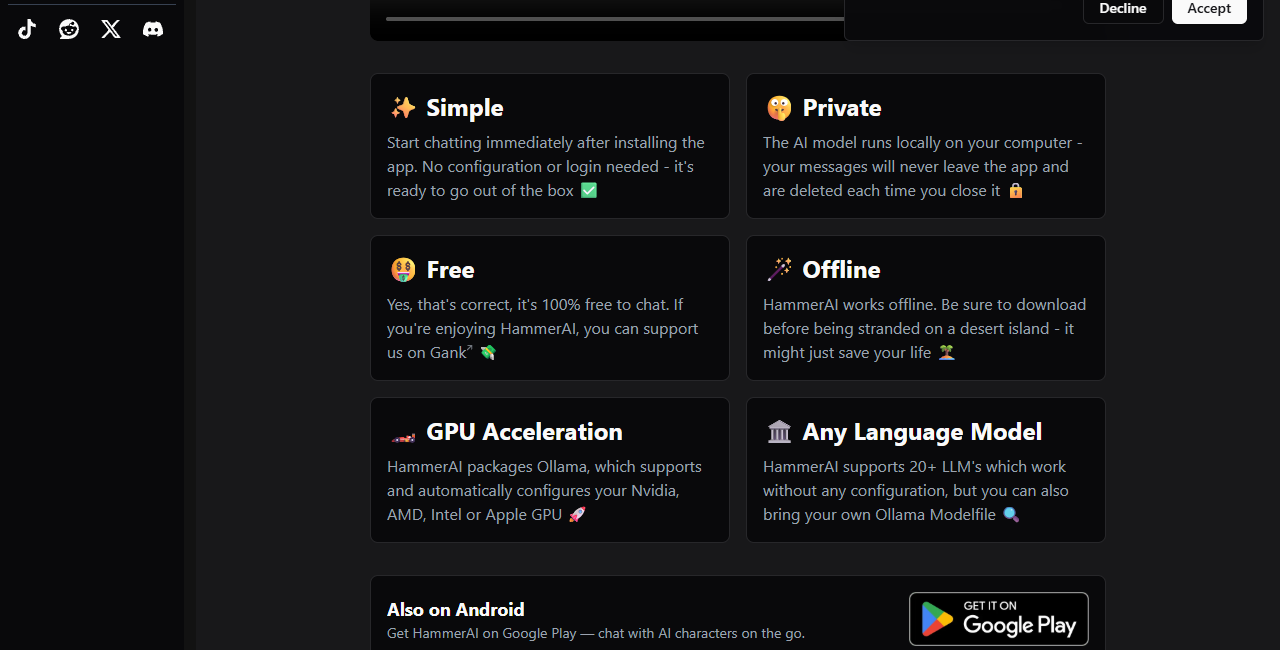
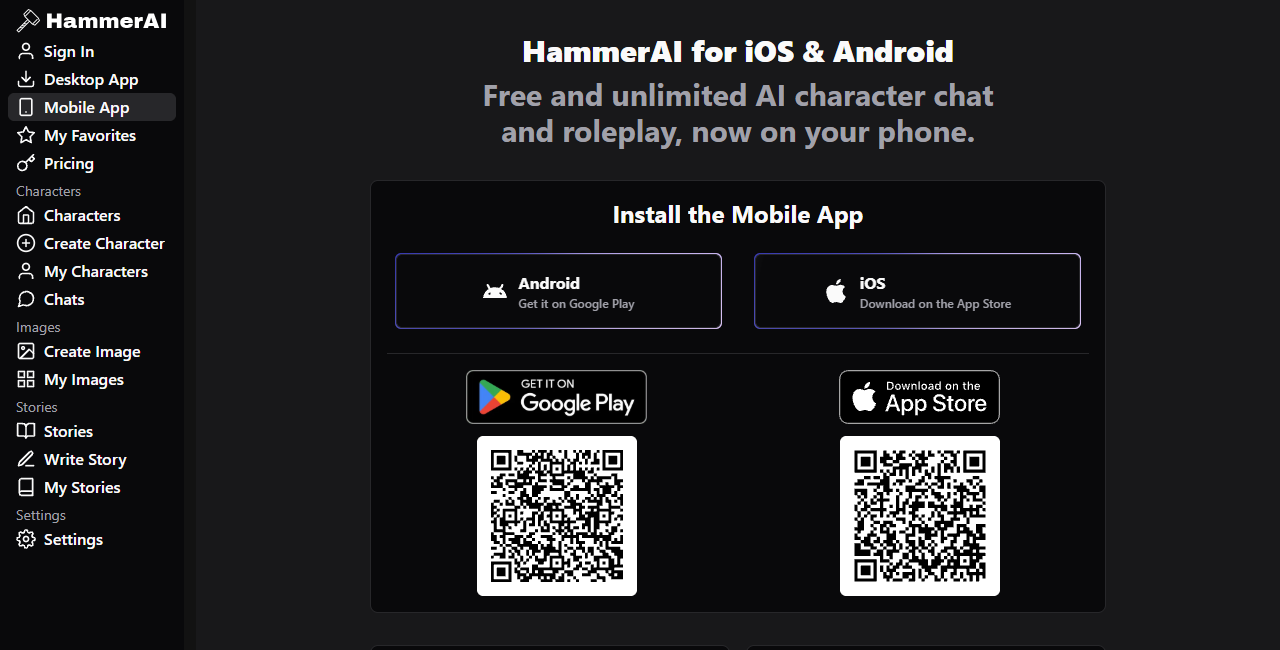
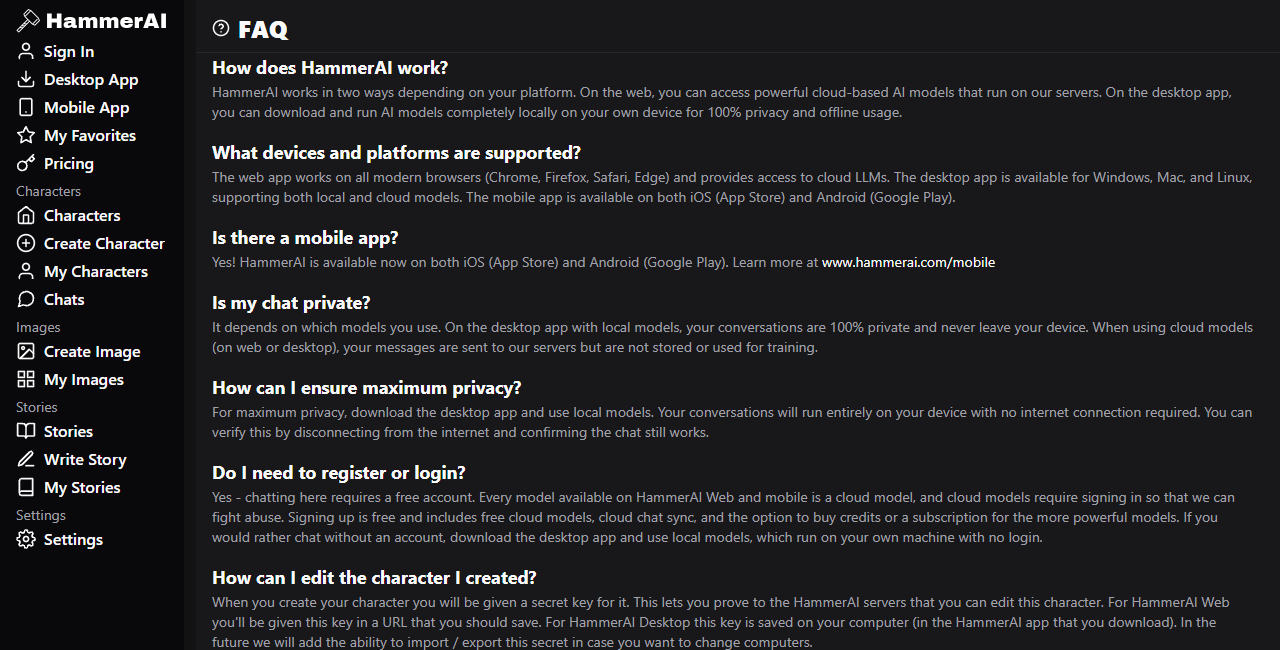
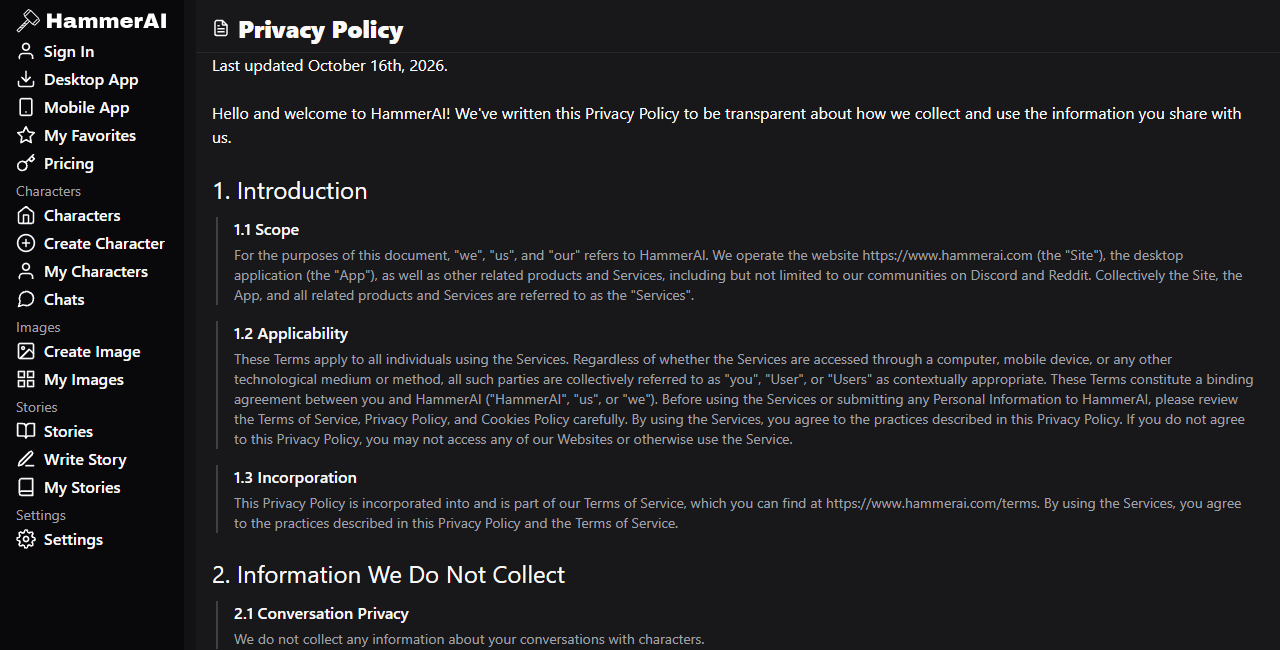
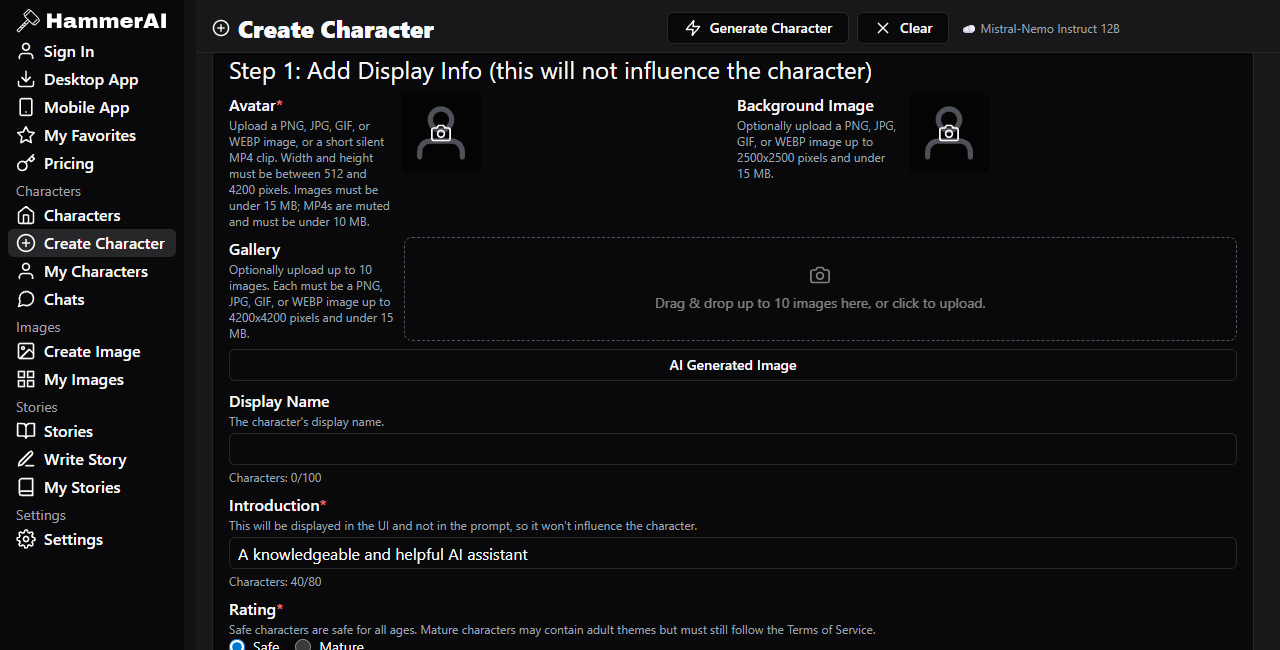
A verified local model can help with dialogue variants, outlines and rough scenes without sending that text to a hosted model. Keep backups yourself and remember that local processing does not make generated claims accurate.
Structured fields for personality, scenario, first messages and examples can make a character easier to steer. Continuity still depends on the selected model and available context, so expect to revise the definition.
The desktop route is useful for comparing smaller and larger local models through one interface. Results will vary with quantisation, prompt format, memory, acceleration and the task being tested.
Writers can use character and story tools to explore alternatives rather than outsource editorial judgement. Check factual statements, permissions and originality before publication.
Hosted routes suit users who do not want to manage model files or who need access away from a desktop. The trade-off is dependence on the service, its providers, the network and the current plan.
Do not rely on a character model for medical, legal, financial, safeguarding or emergency decisions. Fluent output can still be invented, incomplete or dangerously wrong.
Check whether your operating system is supported, whether the chosen model fits available memory, how much storage the downloads use, whether the feature is local or hosted, what the current privacy policy says about providers, and what the current plan includes. Pricing pages and model lists are snapshots rather than guarantees. The official service is intended for adults, and users remain responsible for lawful, safe use.
The desktop client can run a downloaded local model offline. Initial installation and model downloads need a connection, and hosted models, sync, images or speech may still require one.[1][2]
The public FAQ says local desktop models can be used without an account. Account requirements for cloud or mobile routes have changed in the public copy, so check the current workflow before relying on an older statement.[2]
Do not apply one answer to every route. Local model inference stays on the device when verified. For hosted routes, the privacy policy says third-party AI providers may retain inputs and outputs and may use them under their own policies.[3]
The official pages advertise free local access and also show paid hosted capacity or credits. Exact allowances and prices can change, so confirm the live pricing page before subscribing or assuming a cloud feature is included.
Often, but the practical model size depends on memory, processor or GPU support and patience. Begin with a smaller local model, measure speed and memory use, and avoid downloading several large models before the first one works.
A verified offline local model offers the clearest boundary. Even then, protect the computer, backups and exported files. For cloud, mobile, image, voice or sync features, review the live privacy policy and avoid highly sensitive material.[3]
Reviewed on 19 October 2026. Official pages can conflict or change, particularly around cloud processing, mobile availability, model catalogues and paid allowances. Verify the live product screen before relying on a current technical or commercial detail.
See an available AI experience